Real RAW, honestly
Shoots RAW (DNG) on phones whose camera offers it, including many recent Pixel and Galaxy models. On phones without RAW it runs in Lite mode and says so before you shoot.

Shoot RAW. Develop like film.
Safelight is a free Android camera that shoots RAW on your phone and develops it like film: real color, grain and halation from its own color pipeline, not a filter laid over your phone's JPEG. No ads, no account, no subscription.
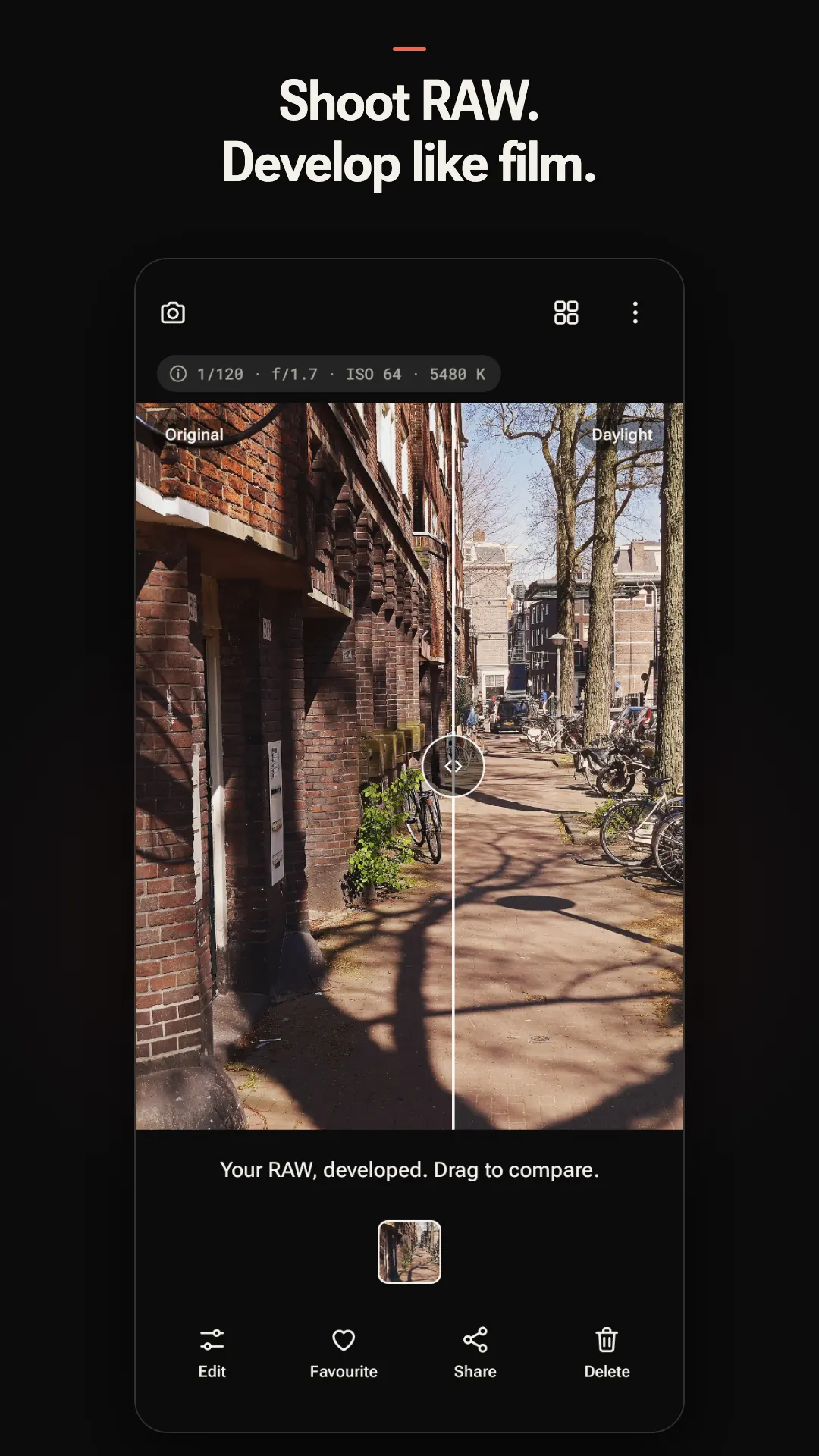
Before and after

Features
Open it, frame, shoot. The photo is already developed.
Shoots RAW (DNG) on phones whose camera offers it, including many recent Pixel and Galaxy models. On phones without RAW it runs in Lite mode and says so before you shoot.
The look renders live in the viewfinder, so you frame the finished photo. Hold the Look chip to peek at Neutral. Tap to focus and meter, lock exposure, switch lenses and use the volume keys as a shutter.
Soft color negative tones: open shadows, highlights that melt instead of clip, and skin that looks like skin. Every look has a strength slider.
White balance and Adapt to light read the scene, keep overcast light neutral and let lamplight stay warm. Fix any cast later with temperature, tint or a gray-card sample.
Grain is added in density, scaled to the frame, so it looks the same at any size. Halation blooms around bright lights the way it does on film. Both have their own sliders.
Your original stays untouched. Each edit is a small recipe saved beside it, so you can change look, crop, white balance, grain or halation any time and save your own recipes.
The shutter writes your photo before anything else happens. Switch cameras or go home a moment later: the shot is still there. Export is always full resolution.
No ads, no account, no subscription and no internet permission. Your photos, edits and recipes never leave your phone.
Also included: exposure compensation, lock exposure and focus, lens switching, aspect ratios, volume-key shutter, import from your gallery (including DNGs from other cameras), a Device screen that explains what your camera can do, and sharpening you set yourself.
Looks
No film-stock imitations and no filter packs to buy. Every look has a strength slider, so a little or a lot is up to you.
The original, developed cleanly.
Soft color negative. Open shadows, highlights that melt instead of clip, skin that looks like skin.
Classic black and white with real grain.
Night and tungsten. Lights bloom red-orange, shadows lean teal.
Crisp transparency. Deep blacks, saturated but accurate color.
Muted color, hard contrast. Gritty and cinematic.
A faded-print recipe that shows what recipes can do.
The swatches above are illustrations of each look's character, not sample photos. See real screens below.
Screenshots
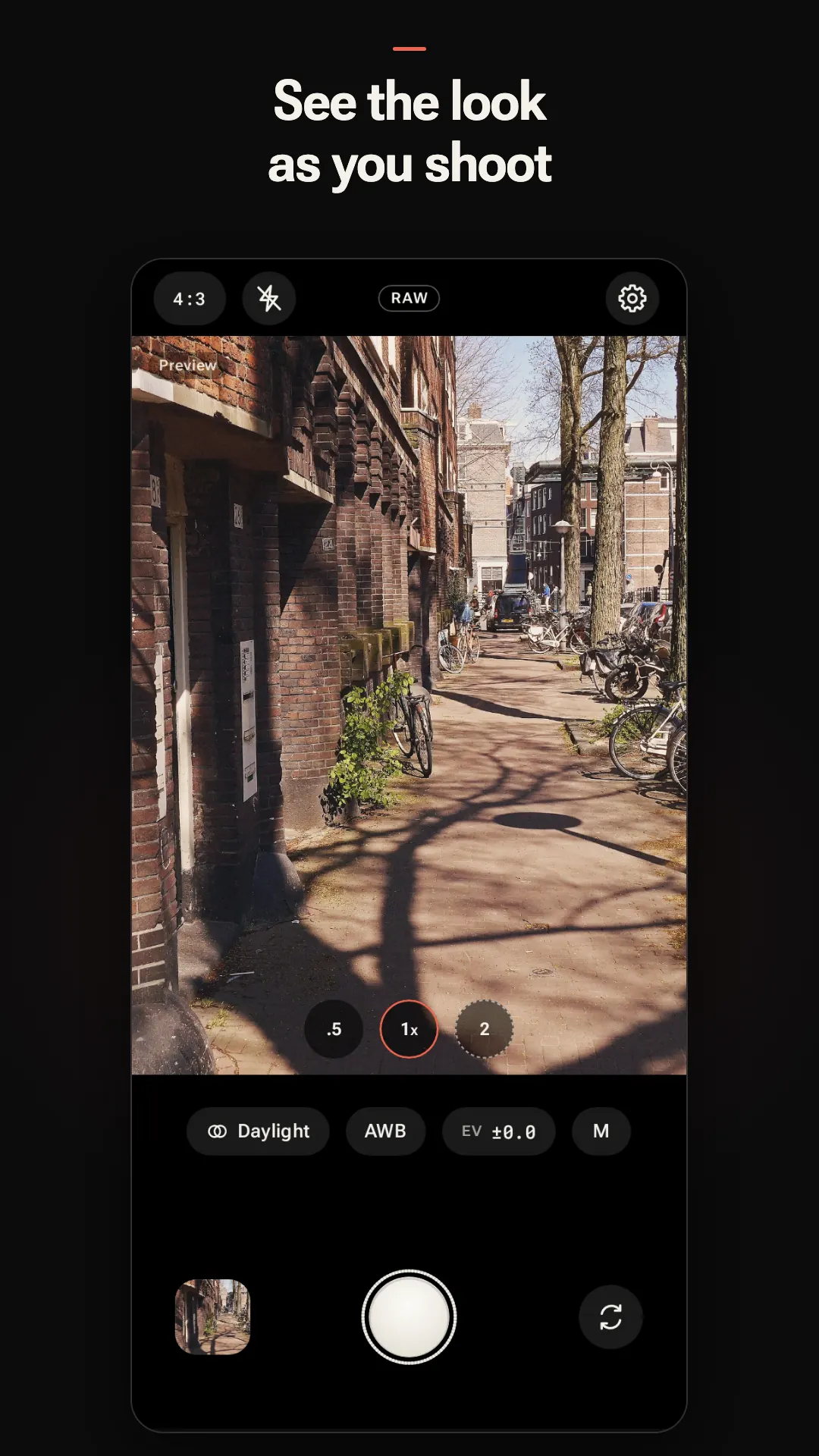
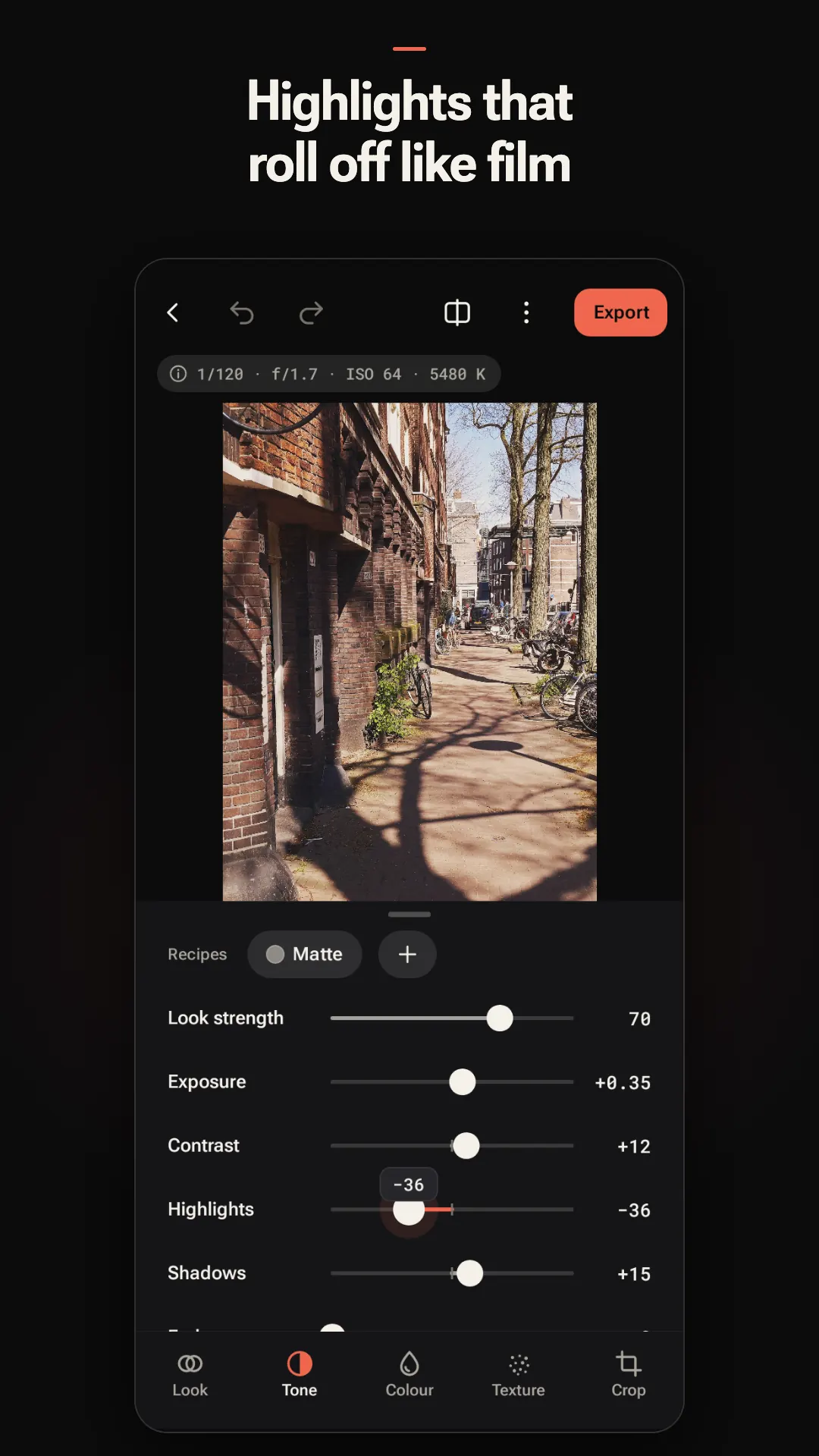
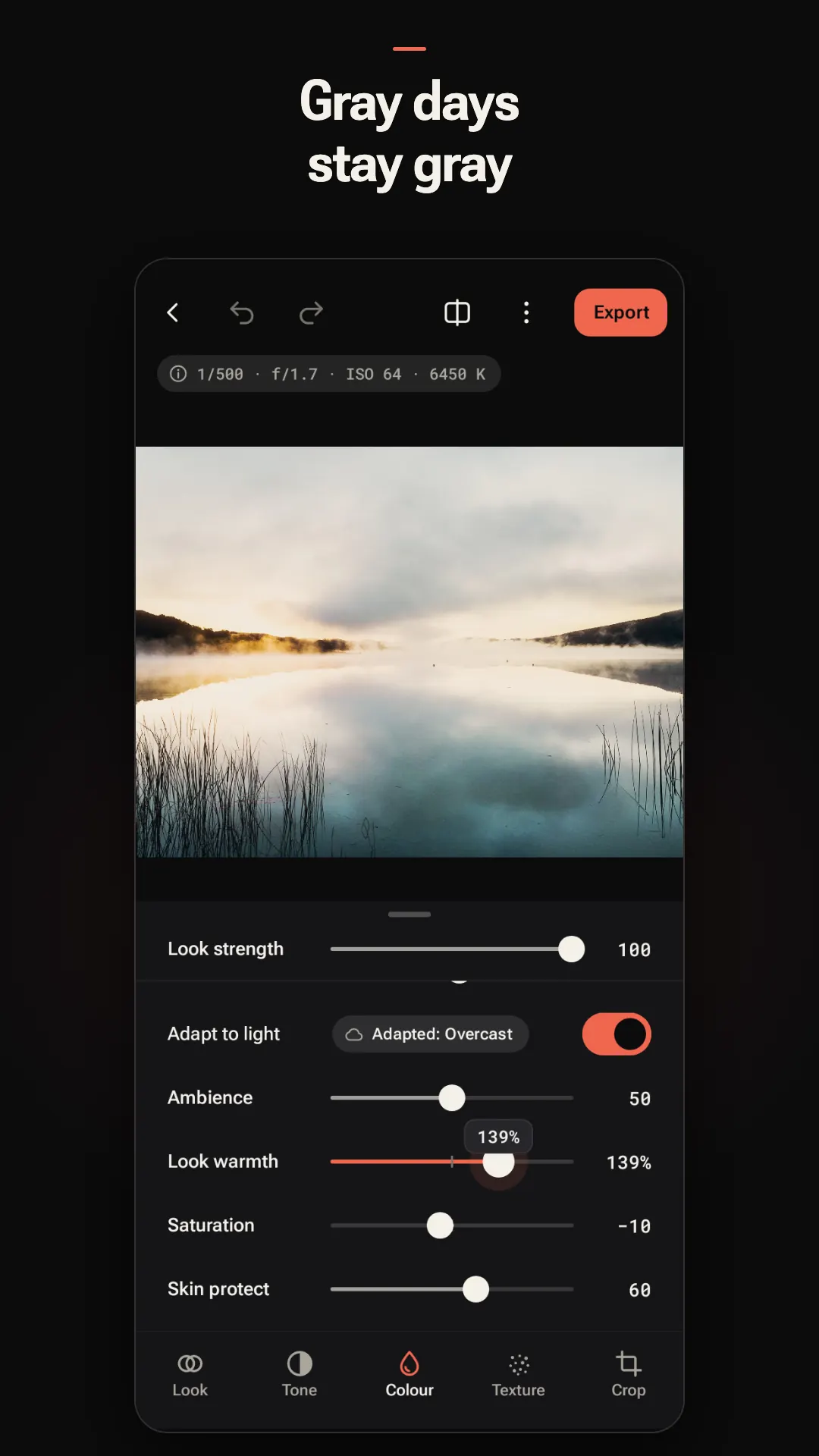
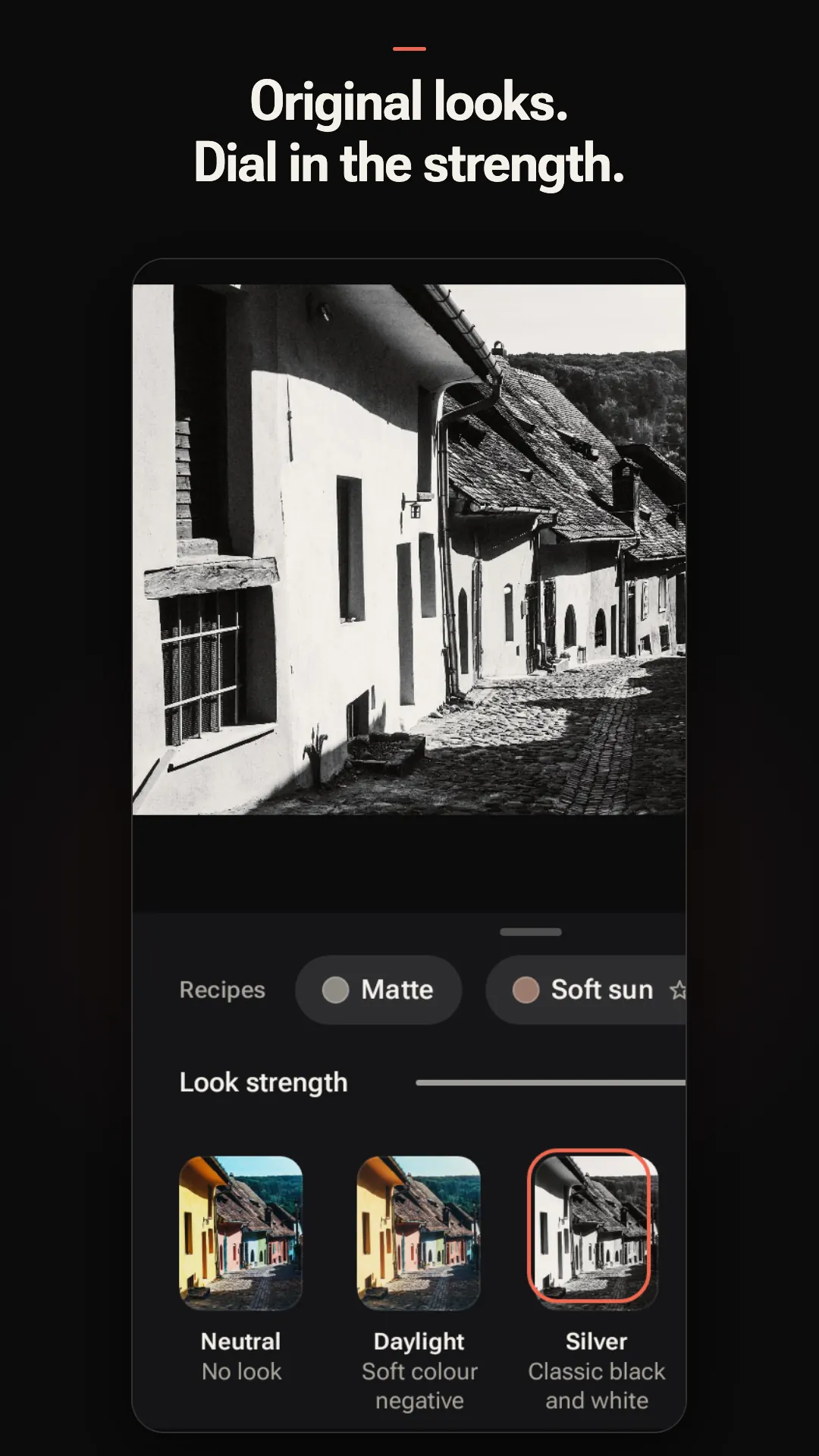
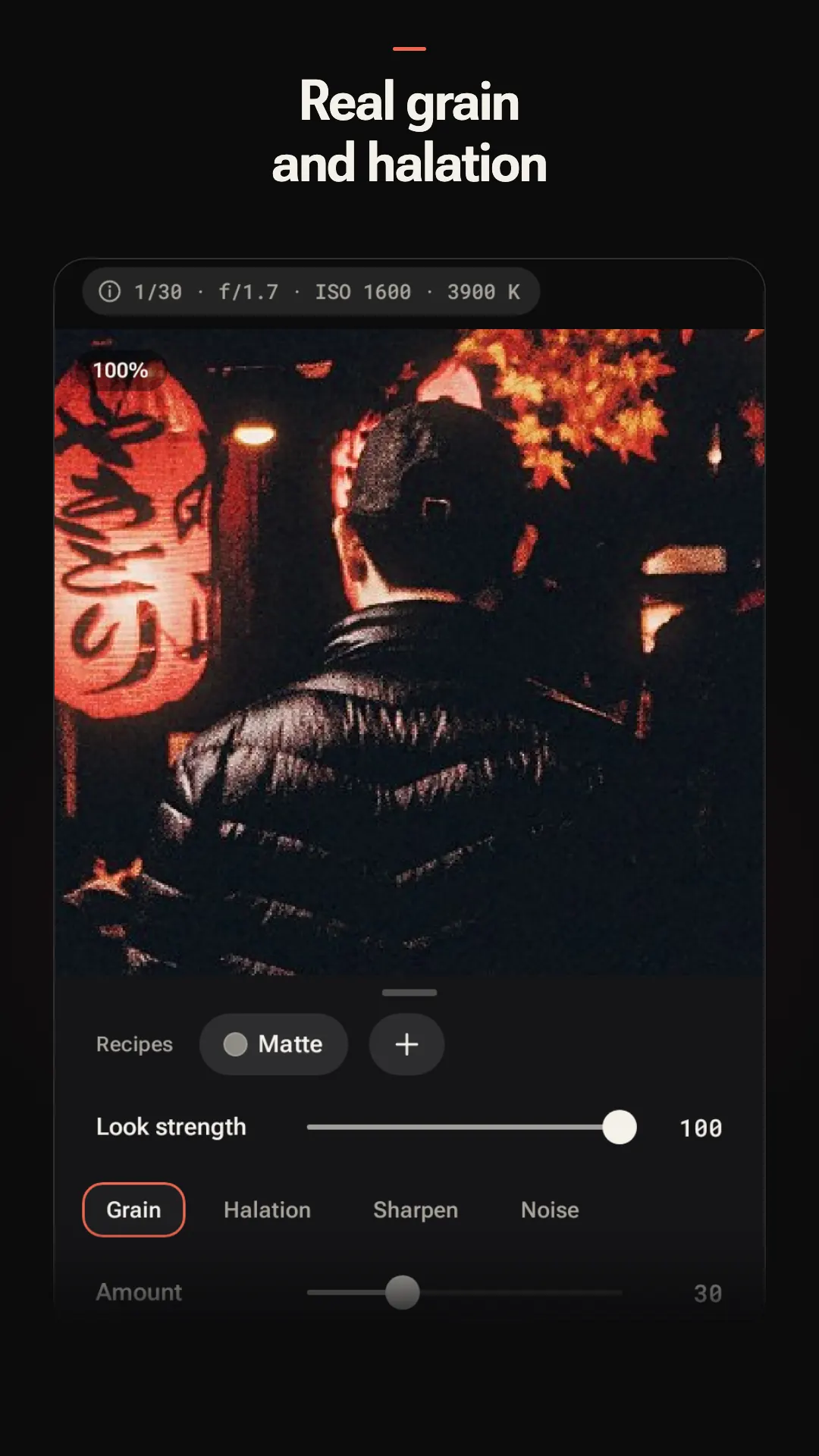
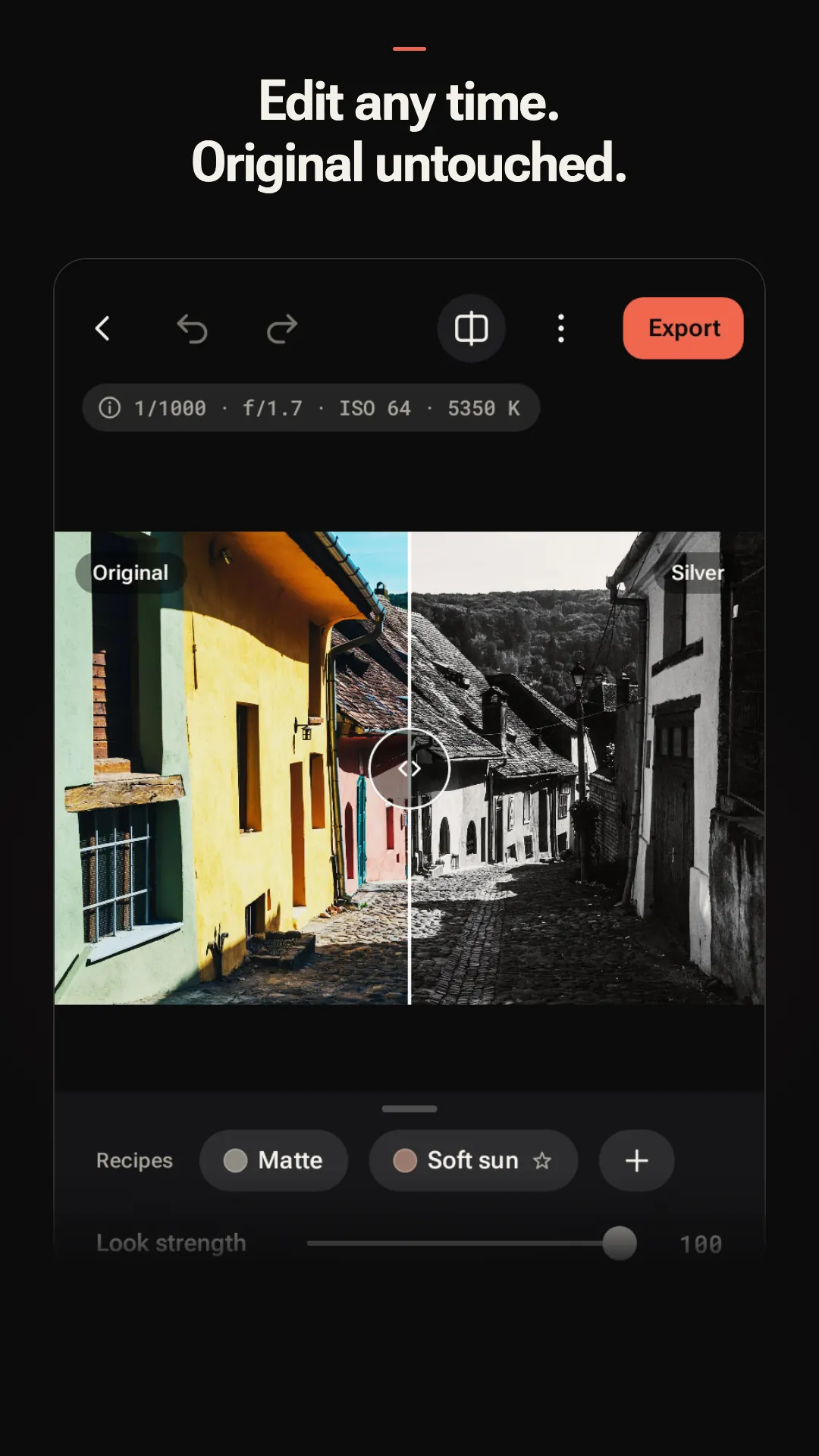
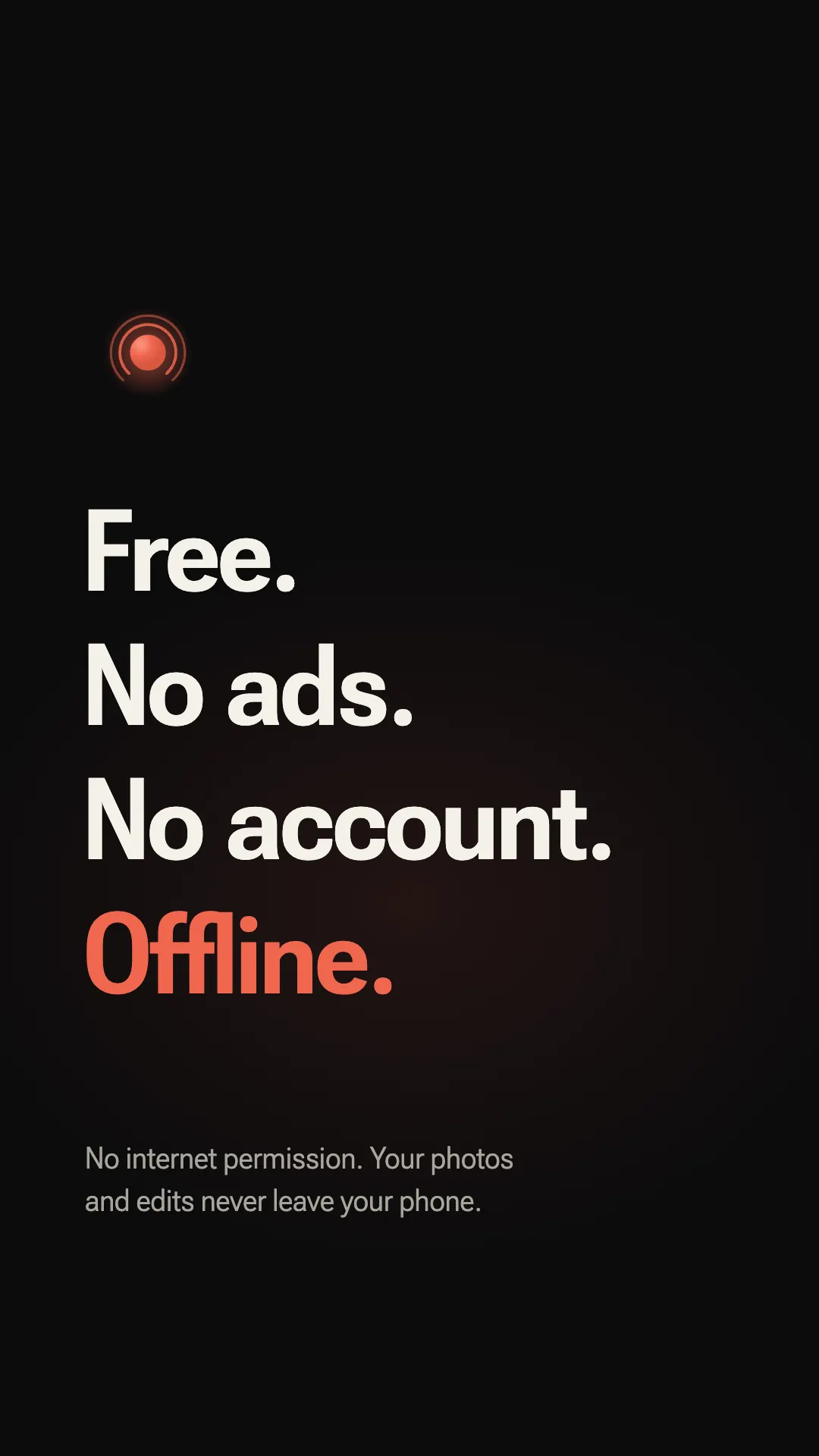
Swipe sideways to see all eight. Tap a screenshot for the full-size image.
Privacy promise
Safelight is built so it cannot send your photos anywhere. It has no internet permission, so there is nothing to opt out of.
FAQ
Yes. Safelight is free to download and use, with no ads, no account and no subscription. Everything in the app is unlocked and there are no in-app purchases in this version.
Safelight shoots RAW (DNG) on phones whose camera offers it, including many recent Pixel and Galaxy models. On phones without RAW it runs in Lite mode, developing the look from the cleanest frame the camera can give. The app tells you which one your phone has before you take a picture, and a Device screen explains what your camera can do. Safelight needs Android 10 or later.
It is a color pipeline, not a filter laid over your phone's JPEG. Safelight develops the photo itself: color, grain added in density and scaled to the frame, and halation that blooms around bright lights. The six looks (Neutral, Daylight, Silver, Lamplight, Slide and Bypass) were designed from scratch for the app, and none imitates a named film stock.
Film-look apps tend to turn overcast light yellow. Safelight's white balance and Adapt to light read the scene, keep gray days gray and shade neutral, and let lamplight stay warm. You can fix any cast later with temperature and tint sliders, presets or a gray-card sample.
No to both. There is no sign-up and no login, and Safelight has no internet permission, so it cannot send anything off your phone. Your photos, edits and recipes stay on the device unless you share them yourself.
On your phone, in your photo library, so they appear in Gallery and Google Photos. The shutter writes your photo before anything else happens, so switching cameras or going home a moment after the shot does not lose it. If the phone gets too hot, the preview backs off and your photos stay safe.
No. Your original stays untouched. Every edit is a small recipe saved beside it, so you can change the look, crop, white balance, grain or halation at any time, hold to compare with the original, and save your own recipes. You can also import photos from your gallery, including DNGs from other cameras, and develop them the same way.
Camera access is used only to take photos. Location tagging is optional: it is only used if you turn it on, and you can remove location from the EXIF data of a photo you export or share. Safelight has no internet permission and collects no data. Details are in the privacy policy. Read the privacy policy.
Safelight is free on Google Play for Android 10 and later. No ads, no account, and your photos never leave your phone.
Get it onGoogle Play