Everything you reach for on the couch
The remote you expect, plus the things a plastic remote can't do. Features depend on your TV model and firmware.
-
D-pad and swipe pad
A big D-pad with OK, Back, Home, Menu and Info, or swipe to move and tap for OK. Hold a volume or arrow key to repeat.
-
Input chips
Switch between HDMI and other inputs with one tap, labeled with your TV's own input names.
-
Your TV's apps
Launch apps from the Apps tab with the TV's own icons, and pin your favorites to the remote.
-
Keyboard and voice typing
Search and sign in with your phone's keyboard. Tap the mic and your phone's speech service types what you say.
-
Cast
Send videos, photos and web links from your phone in the Cast tab. Cast support depends on your TV model and firmware.
-
Quick Start power-on
Turn the TV on from your phone when its Power Mode is set to Quick Start. Phones with an IR blaster can also send an infrared power-on.
-
Sleep timer
15, 30, 60 or 90 minutes. It runs on your phone, so keep the phone on the same Wi-Fi until it turns the TV off.
-
Screen off
Picture off, sound on, on TVs that support it. Plus a volume slider that shows your TV's real level.
-
Widgets
Home-screen widgets let you press keys without opening the app.
-
Tiles and notifications
A Quick Settings tile, and an optional remote in your notification shade and lock screen.
-
Volume buttons
Use your phone's own volume keys for the TV, if you like. Hold a key and it keeps going.
-
25 languages
Plus dark and light themes, a Classic layout, large keys, left-handed mode and haptics.
See it
Screens from VizMote on an Android phone.
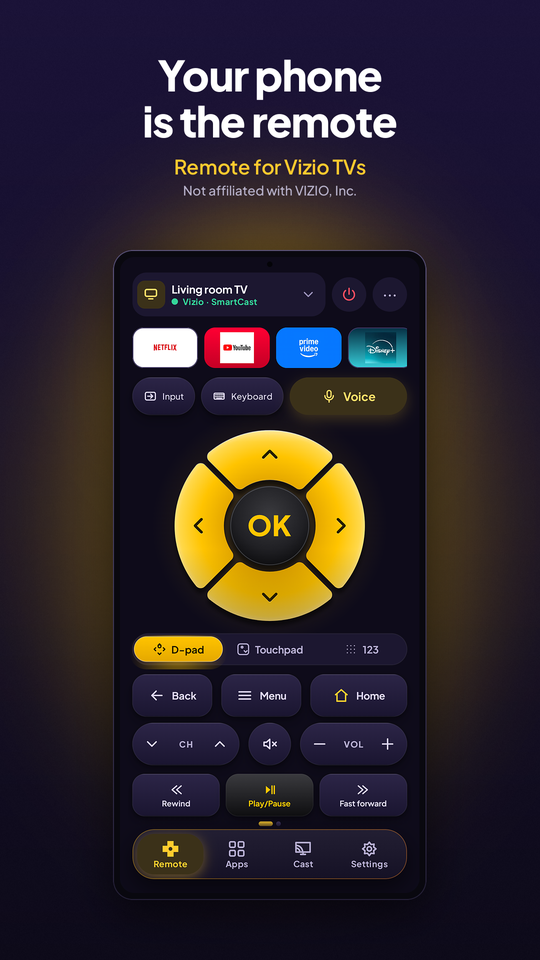
Lost the remote? Use your phone 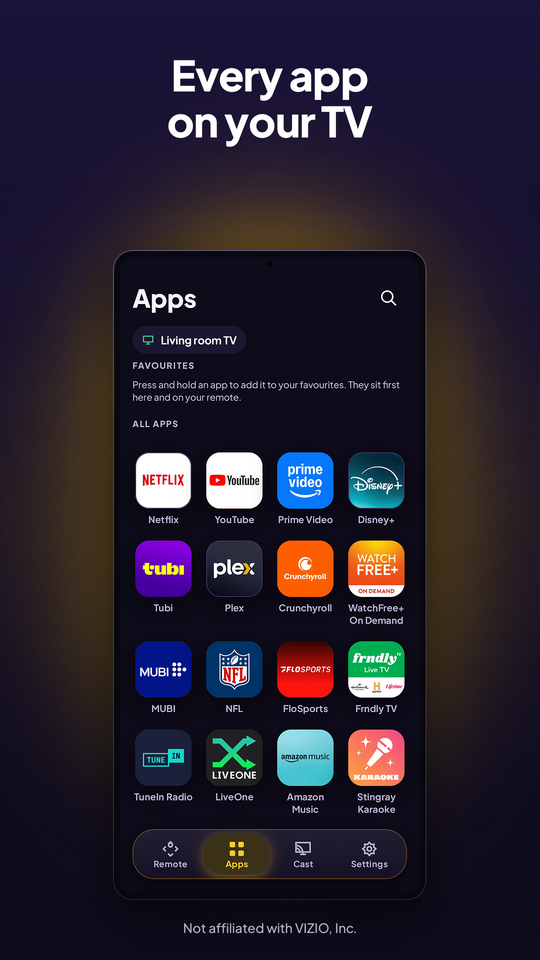
Your TV's apps, one tap away 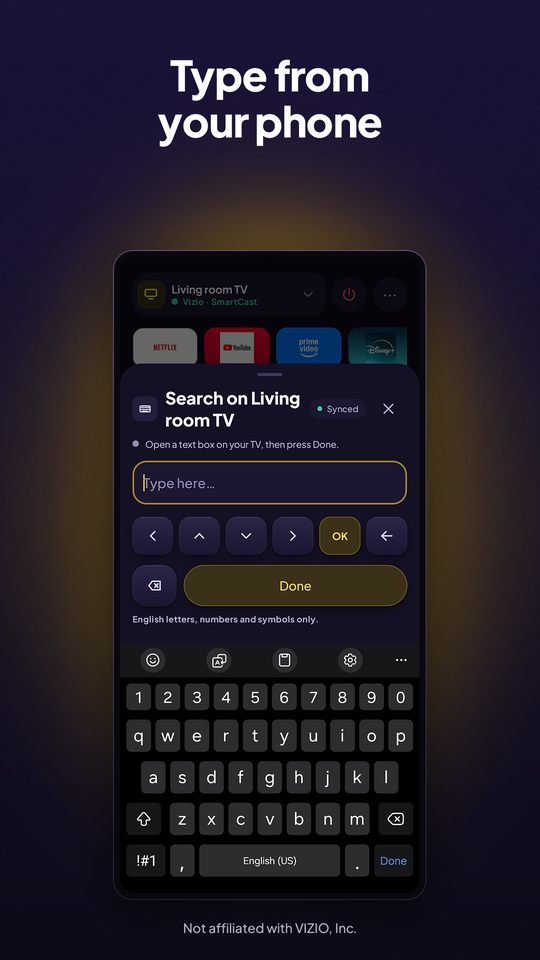
Type from your phone 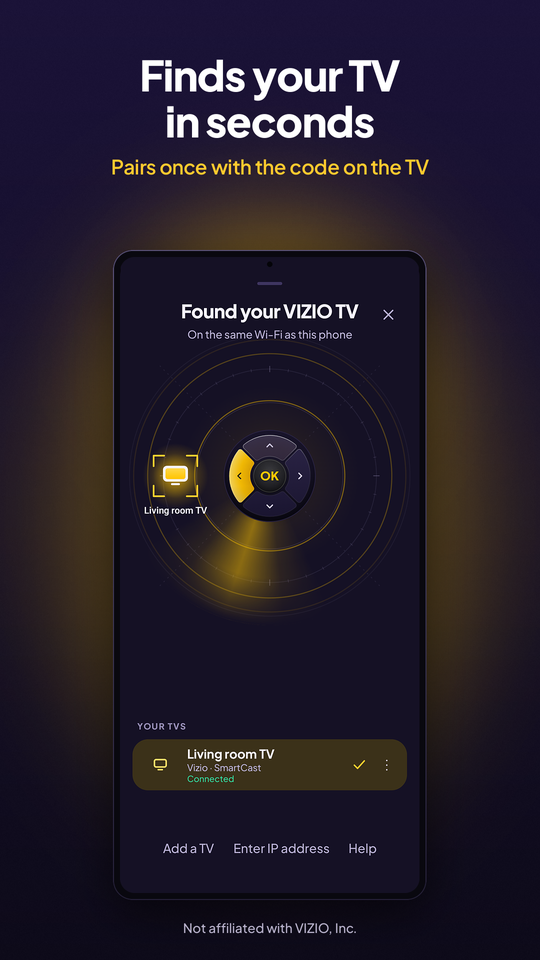
Finds your TV in seconds 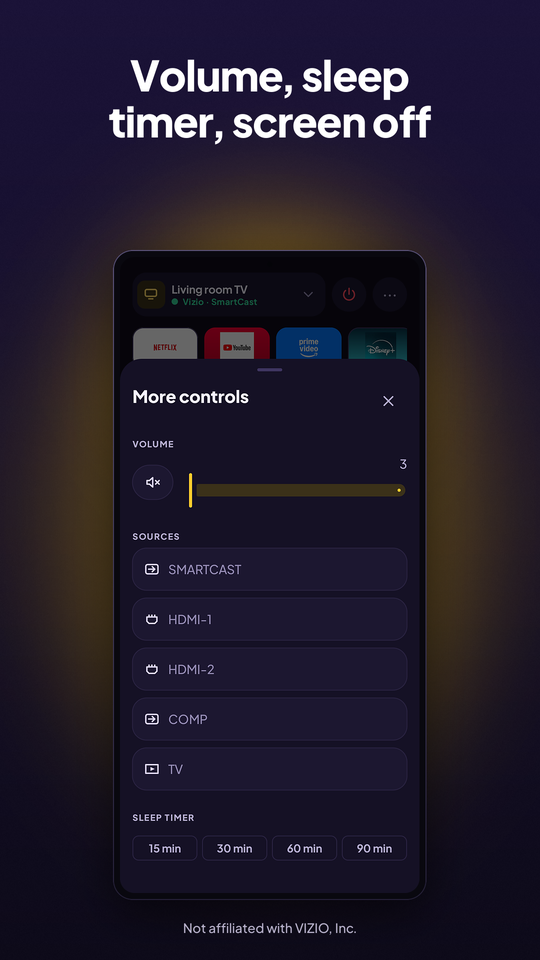
Volume, sleep timer, screen off 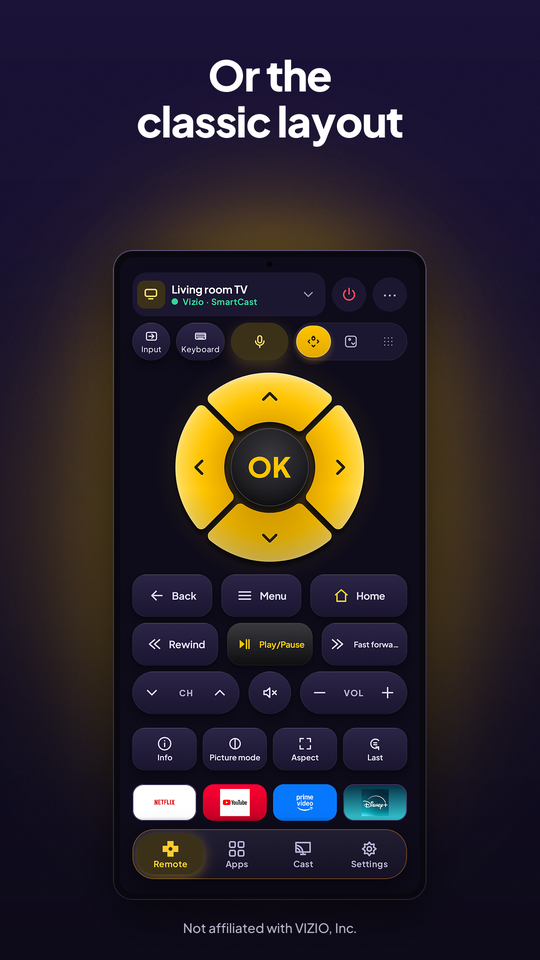
Or switch to the Classic layout 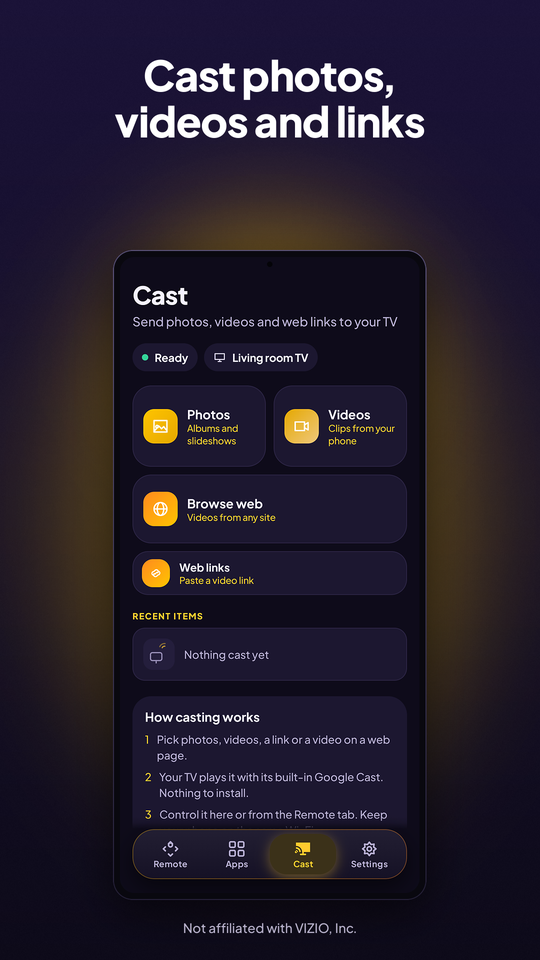
Cast videos, photos and links 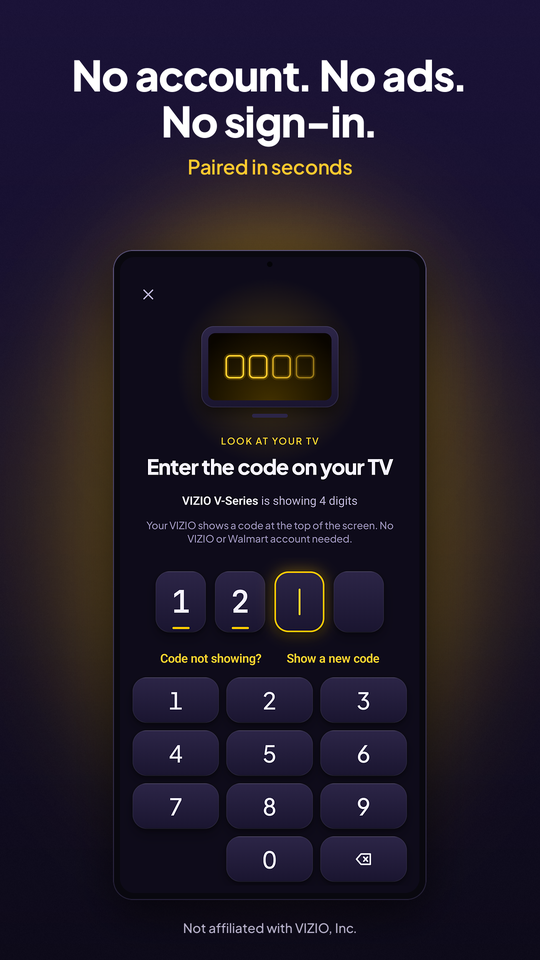
No account. No ads. No sign-in.
Set up in three steps
No sign-in and nothing to configure on the phone.
- Put your phone and TV on the same Wi-Fi network.
- Open VizMote. It looks for VIZIO TVs on your network.
- Tap your TV and type the 4-digit code shown on the TV. That's it.
TV not found? Add it by IP address. Several TVs? Save them all.
What you need
- A VIZIO SmartCast TV (most 2016 and newer models), a VIZIO Home Screen TV, or an onn. TV that runs VIZIO OS
- An Android phone with Android 8.0 or newer
- Phone and TV on the same Wi-Fi network, with any VPN turned off
Not supported
- onn. Roku TV and Google TV models
- VIZIO TVs made before 2016
- Soundbars, speakers and other TV brands
Want to turn the TV on from your phone? On the TV, press Menu and set System › Power Mode to Quick Start. In Eco Mode a sleeping TV can't hear Wi-Fi, so no app can wake it. Quick Start uses a little more standby power.
Questions
TV models and firmware vary. If yours won't pair, start here.
My TV won't pair. What can I try?
Put your phone and TV on the same Wi-Fi network and turn off any VPN. Make sure the TV is on, not asleep. If VizMote doesn't find it, add it by IP address, which you'll find in the TV's network menu. If the TV says it has too many paired phones, remove an old one from the TV's Mobile Devices list. If pairing keeps failing, unplug the TV for 30 seconds and try again. Still stuck? Tap Settings › Send feedback in VizMote, or email support@swiftsofts.com with your TV model.
No code shows on my TV. What now?
The 4-digit code appears at the top of the TV screen. Make sure the TV is awake with its screen on, then tap your TV in VizMote again to ask for a new code. If another phone or app is pairing at the same time, the TV won't show a new code: unplug the TV for 30 seconds, then try again.
My TV is in Eco Mode. Can VizMote turn it on?
Not over Wi-Fi. In Eco Mode a sleeping VIZIO TV can't hear Wi-Fi, so no app can wake it. On the TV, press Menu, go to System › Power Mode and choose Quick Start (it uses a little more standby power). After that, VizMote can turn the TV on. Phones with an IR blaster can also send an infrared power-on instead.
Does VizMote work with VIZIO soundbars?
No. VizMote controls VIZIO TVs only. Soundbars, speakers and other TV brands are not supported, and neither are VIZIO TVs made before 2016 or onn. TVs that run Roku or Google TV.
Is VizMote free? Do I need an account?
VizMote is free, with no ads, no in-app purchases and no subscription. You don't need a VizMote, VIZIO or Walmart account.
Is VizMote made by VIZIO?
No. VizMote is an independent app by Swift Apps (Swift Applications Inc.). Not affiliated with VIZIO, Inc. or Walmart.
Privacy, in short
No account, no ads, no microphone permission. Commands go from your phone straight to your TV over HTTPS on your home network, and the TV's pairing token is stored encrypted on your phone and never leaves it.
To find bugs and see which features are used, VizMote sends usage statistics and crash reports to Google Firebase, without TV names, addresses or anything you type. Turn either off in Settings › Privacy.
Lost your VIZIO remote? Your phone is the new one.
Free on Google Play. Questions or a TV that won't pair? Email support@swiftsofts.com with your TV model.