
Works with all TCL TVs
Roku TV, Google TV / Android TV, Fire TV and older TCL smart TVs (Linux / T-Cast): one app, no matter which model you own.
Everything on one screen
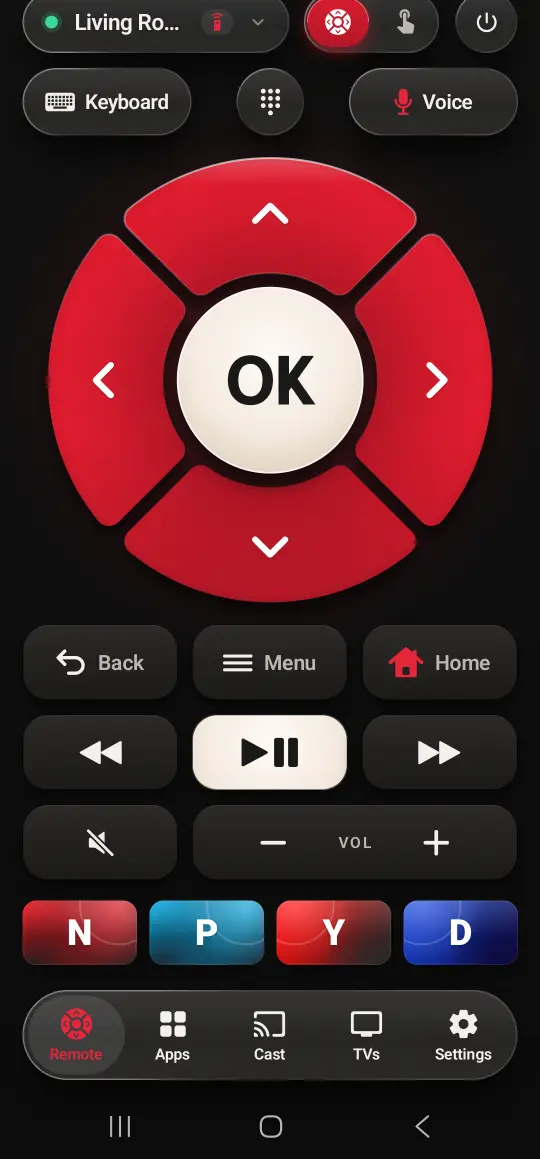
Remote
D-pad, swipe touchpad, volume, mute, power and playback keys.
Keyboard
Type searches and sign-ins on the TV with your phone's keyboard.
Voice search
Speak to search, where the TV platform supports it.
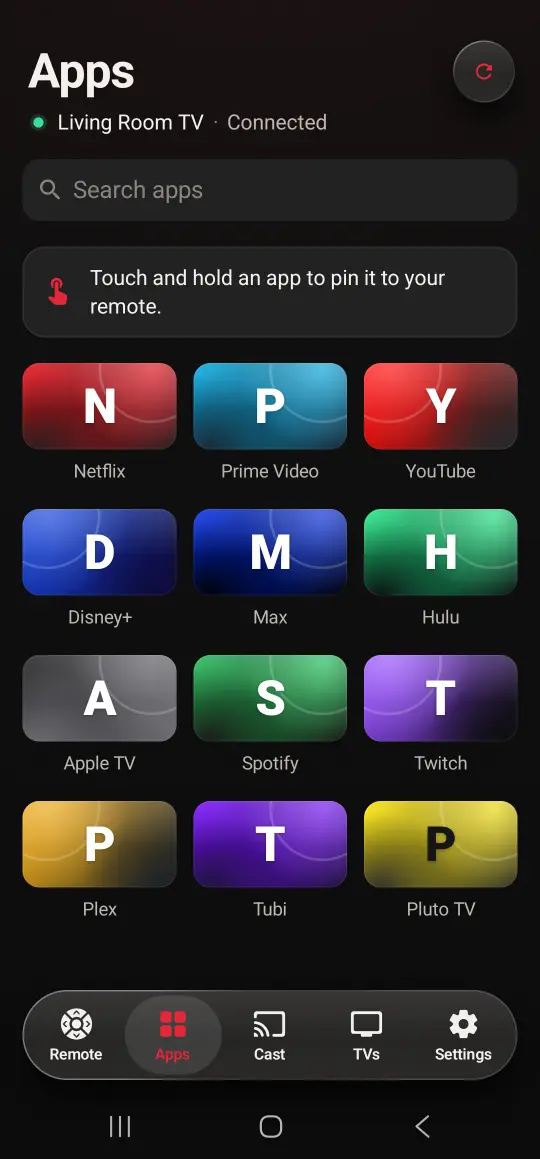
Apps
Launch your favourite TV apps from a list.
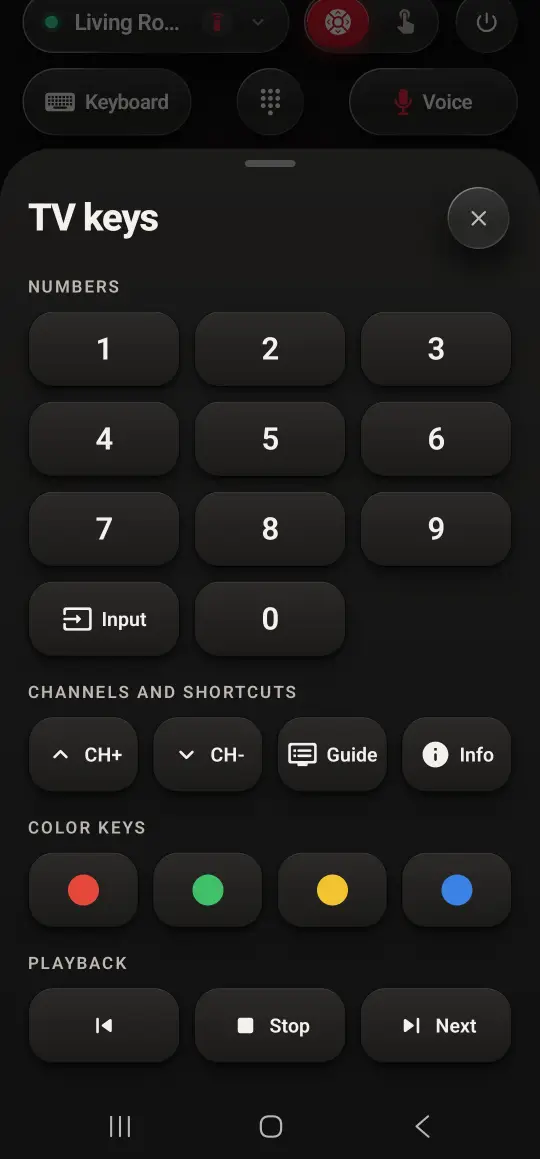
More keys
Number pad, channel, input and colour keys.
Widgets & watch
Home-screen widgets and a Wear OS remote with a tile.
Screenshots
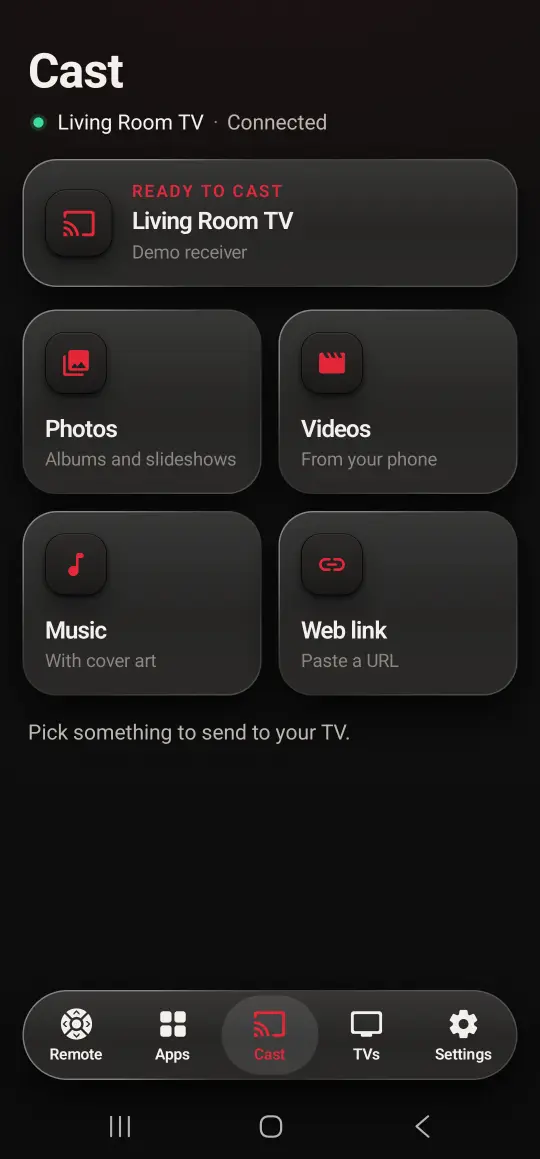
Cast photos, videos and music
Send media from your phone to TCL Roku TV (through the free CastHero channel) and TCL Google TV (Chromecast built-in). Casting is not available on TCL Fire TV models. Media is served from your phone to the TV over your own Wi-Fi.
How it works
- Put your phone and TV on the same Wi-Fi network.
- Open TMote and tap your TV, or add it by IP address.
- Enter the pairing code or PIN if your TV asks for one.
- Start controlling your TV.
Private by design
No account, no analytics or ads. TMote talks only to TVs on your local Wi-Fi. Read the Privacy Policy or visit Support.
Get it on Google Play